VPS R2
In stock$10.00/mo
$10.00 billed monthly
- vCPU
- 2 cores
- Memory
- 4 GB DDR5
- Storage
- 60 GB NVMe
- Bandwidth
- 4 TB @ 1 Gbps
- 1 × IPv4 + /64 IPv6
- Daily backups add-on
Chicago · deployed automatically
Configure VPS R2Deployed in Chicago on AMD Ryzen 9 9950X nodes. See the hardware
Virtual servers, dedicated cores, bare metal, game, bot and web hosting, all on AMD Ryzen 9 9950X nodes with local NVMe Gen4 storage, in Chicago. Virtual servers start at $10 a month and are online about a minute after you pay.
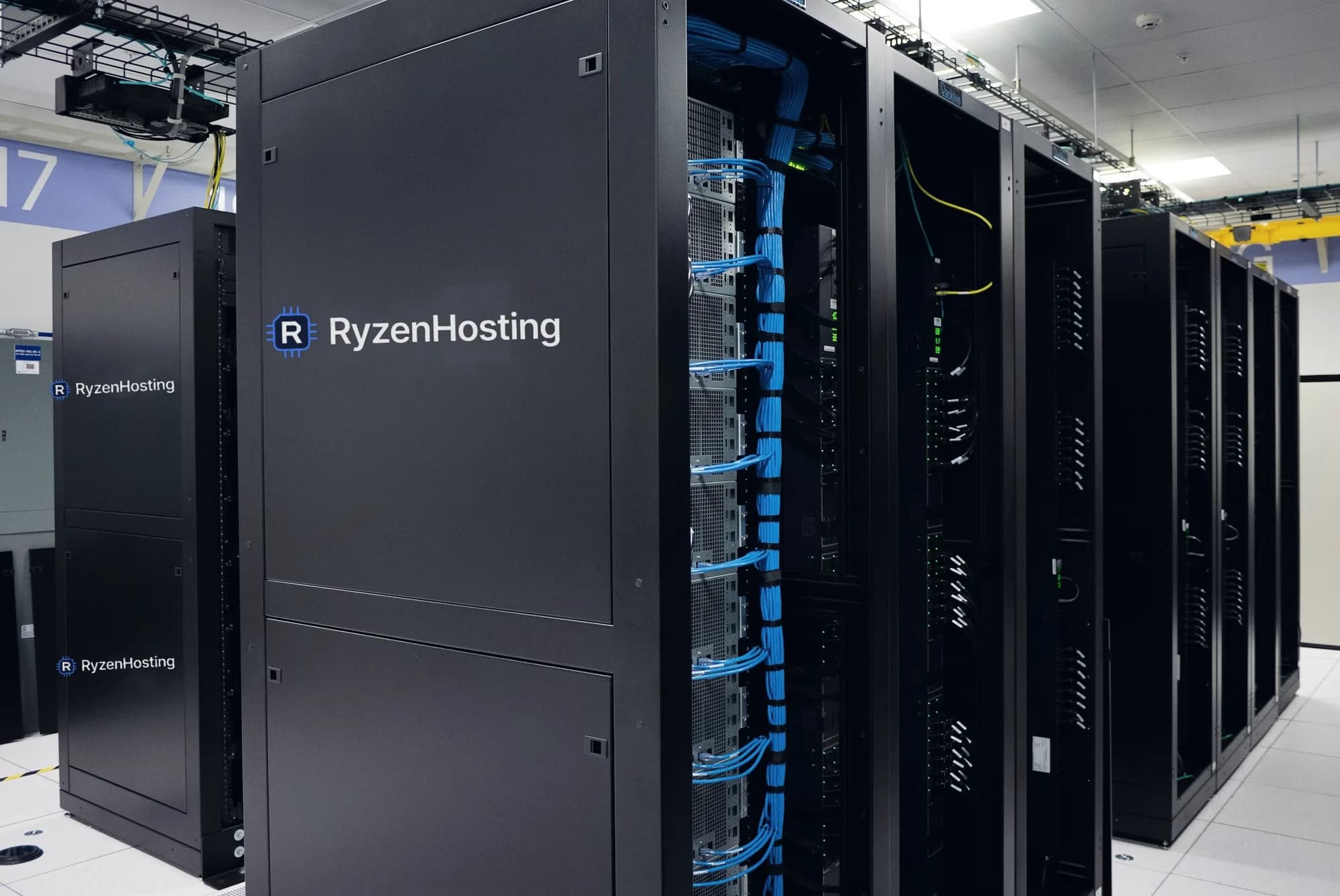
CHI1 · Chicago, Illinois
Node telemetry
Ryzen 9 9950X · 16 cores / 32 threads
—GHz
Every plan below runs on the same Ryzen 9 9950X nodes with the same local NVMe storage. The difference is how much of the machine you get and how much of it we manage.
You administer the operating system. We keep the hardware and the network alive.
We install and maintain the software. You configure the thing you actually came for.
Supporting services for the servers above, set up by our engineers.
Pick a product, a billing term and a location. The price you see is what Stripe charges, and the button takes you straight into the order form.
Virtual machines with shared Zen 5 vCPUs, DDR5 memory and local NVMe Gen4 storage. You get your own kernel, full root, one IPv4 address and a routed IPv6 /64. Deployed automatically in Chicago.
$10.00/mo
$10.00 billed monthly
Chicago · deployed automatically
Configure VPS R2$19.99/mo
$19.99 billed monthly
Chicago · deployed automatically
Configure VPS R4$38.99/mo
$38.99 billed monthly
Chicago · deployed automatically
Configure VPS R6$68.99/mo
$68.99 billed monthly
Chicago · deployed automatically
Configure VPS R8Prices are in USD and are the full amount you pay. No VAT is added at checkout. Monthly, before any term discount. Term discounts are charged up front for the whole term and change nothing else about the plan.
One decision explains most of this company: every node runs the same desktop-class Zen 5 processor instead of a server part chosen for core count. Published single-core scores put it roughly 60% ahead of the enterprise Xeon and EPYC parts normally rented out, and single-thread speed is what page loads, game tick rates and build times actually depend on.
Architecture
Zen 5 · 4 nm
Cores / Threads
16 / 32
Boost clock
Up to 5.7 GHz
Base clock
4.3 GHz
L2 + L3 cache
80 MB
Memory
DDR5 ECC
PCIe lanes
28 × Gen5
AVX-512
Full 512-bit
Single-thread performance
Approximate published benchmark averages, shown for reference. Your own results depend on the workload, the memory configuration and virtualization overhead.
Every node writes to NVMe Gen4 bolted into the same chassis as the processor running your workload, so a write goes to the drive instead of across a storage fabric. That is speed rather than safety: there is no mirror behind the drive, so snapshots and the daily backup add-on are what keep a second copy of your data.
Local write path
nvme0n1 on PCIeYour application
write(4096 bytes)
NVMe Gen4 · attached to this nodeWRITE
No iSCSI target, no storage fabric, no remote array in the path
2 TB
Local NVMe in every node
NVMe Gen4
Interface
None
Storage network in the path
None
Mirror behind the drive
Why not network storage? Because a commit to local NVMe never leaves the machine. Databases, game worlds and build caches read straight off PCIe instead of crossing a storage fabric. We do not publish a throughput or IOPS number for the drive, because we have not measured one we would be happy to be held to.
Game loops are single-thread bound, which is the whole reason we standardised on this processor. Choose a title at checkout and the server is installed, configured and listening before you have finished reading the invoice.
 FiveM server hostingGTA V roleplay
 RedM server hostingRed Dead Redemption 2 roleplay
 Minecraft server hostingPaper, Vanilla, Fabric and Bedrock
 Rust server hostingSurvival, Oxide ready
 Counter-Strike 2 server hostingCompetitive shooter
 ARK: Survival Ascended server hostingSurvival, clusters
 Palworld server hostingSurvival, dedicated
 Valheim server hostingSurvival, BepInEx ready
 Garry's Mod server hostingSandbox, Workshop
 Satisfactory server hostingFactory building
 Terraria server hostingtModLoader, modded
 7 Days to Die server hostingSurvival, 1.x
A reinstall switches the server to any other supported title at no cost.
Every deployment lands in carrier-neutral colocation in Chicago. We list the one region we can hand over today instead of a map of places we are not in yet.
CHI1
Illinois, United States
Carrier-neutral colocation in Chicago. Every deployment lands here.
Deployed automatically, usually within a minute of payment.
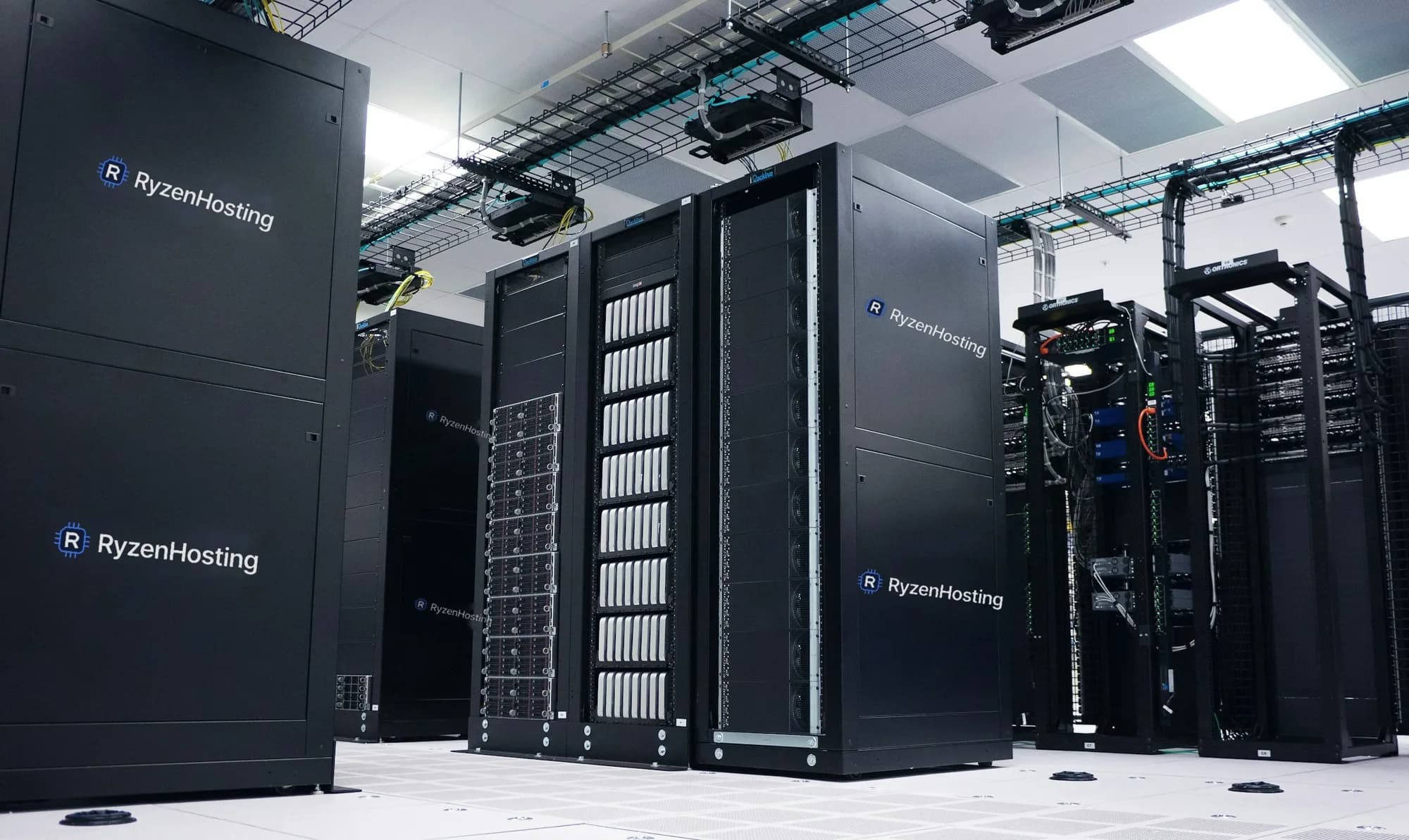
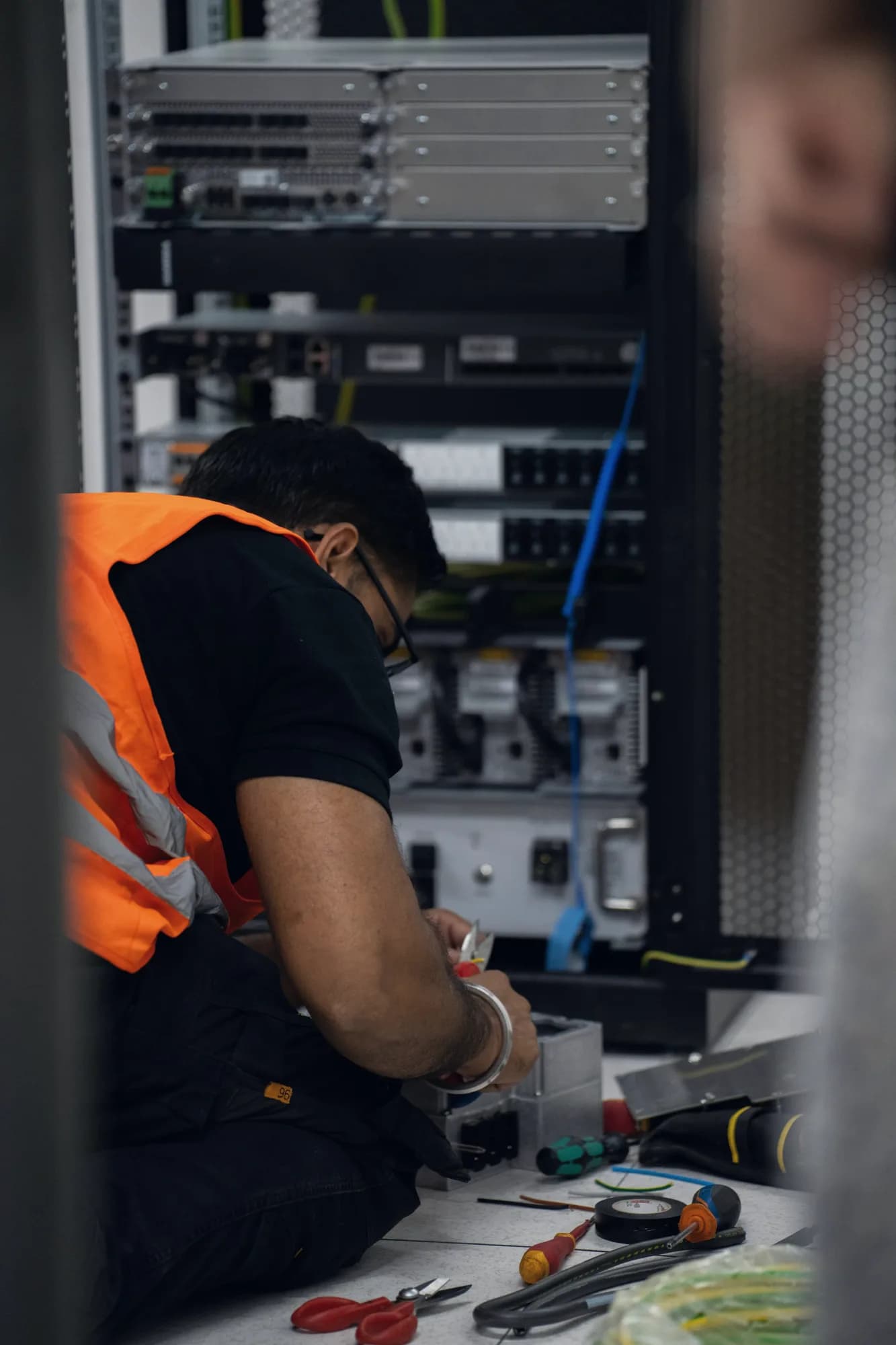


Our cabinets sit in a commercial facility with its own power, cooling and security, not in an office.
The nodes are ours. We specify them, we rack them and we hold the spare parts for them.
Volumetric attack traffic is filtered before it reaches a node, on every service and every plan.
Because every node is the same build, a failed drive or memory module is replaced from stock rather than ordered.
Every item below is a screen in the client area, not a roadmap entry.
Processor, memory, disk and network for your service, in the client area, without installing an agent.
A browser console and SFTP for game and bot servers, and a VNC console for virtual machines when SSH will not open.
Start, stop and reboot from the client area or through the API, including a hard reset when the guest stops responding.
Rebuild a virtual machine onto another image, or reinstall a game server onto another title, on your own schedule.
Take a snapshot before you change something and roll back from the client area if it goes wrong.
Move up a plan with one reboot. The change is billed pro rata for the rest of the term.
One IPv4 address, a routed IPv6 /64 and a stateful firewall with presets for the common cases.
MySQL databases on the same node for game and bot servers, created and credentialed from the client area.
Always on, applied to every service, and never counted against a bandwidth allowance.
A fair look at what a large cloud provider and a cheap shared host give you for comparable money.
Processor
Published single-core score
Storage
ECC memory
DDoS filtering included
Egress billed separately
Setup fee
Price shown before sign-up
Benchmark figures are third-party published single-core scores for representative processors in each class. They describe the hardware, not your workload.

Chicago deployments come online about a minute after the payment clears. There is no setup fee, no password to invent and no contract beyond the term you choose.